Beta · 253 printable and cuttable shop tools
Type the size. Print the jig.
1off builds jigs, templates, gauges and shop parts around the exact tube, board, bolt or roll you are working with. Print them, or download cutting files for a laser, CNC router, plasma table or vinyl cutter.
The idea
Shop helpers that fit your parts, not a catalogue's.
Fabricators, woodworkers, makers and crafters all end up making the same small helpers: a corner jig for a tube, a drill guide, a template, an organizer. Most of them get built once, by eye, and thrown away. 1off makes them from numbers instead.
Measure once
Enter the tube, board or bolt size and the angle. Imperial or metric, with fractions where you expect them.
See it first
A live 3D preview shows the part as you change the numbers, with the size and a rough plastic estimate before you commit.
Make it yourself
Download the file and print it, or cut it on your own laser, router or plasma table. Nothing is made or shipped for you.
How it works
Three steps, no CAD.
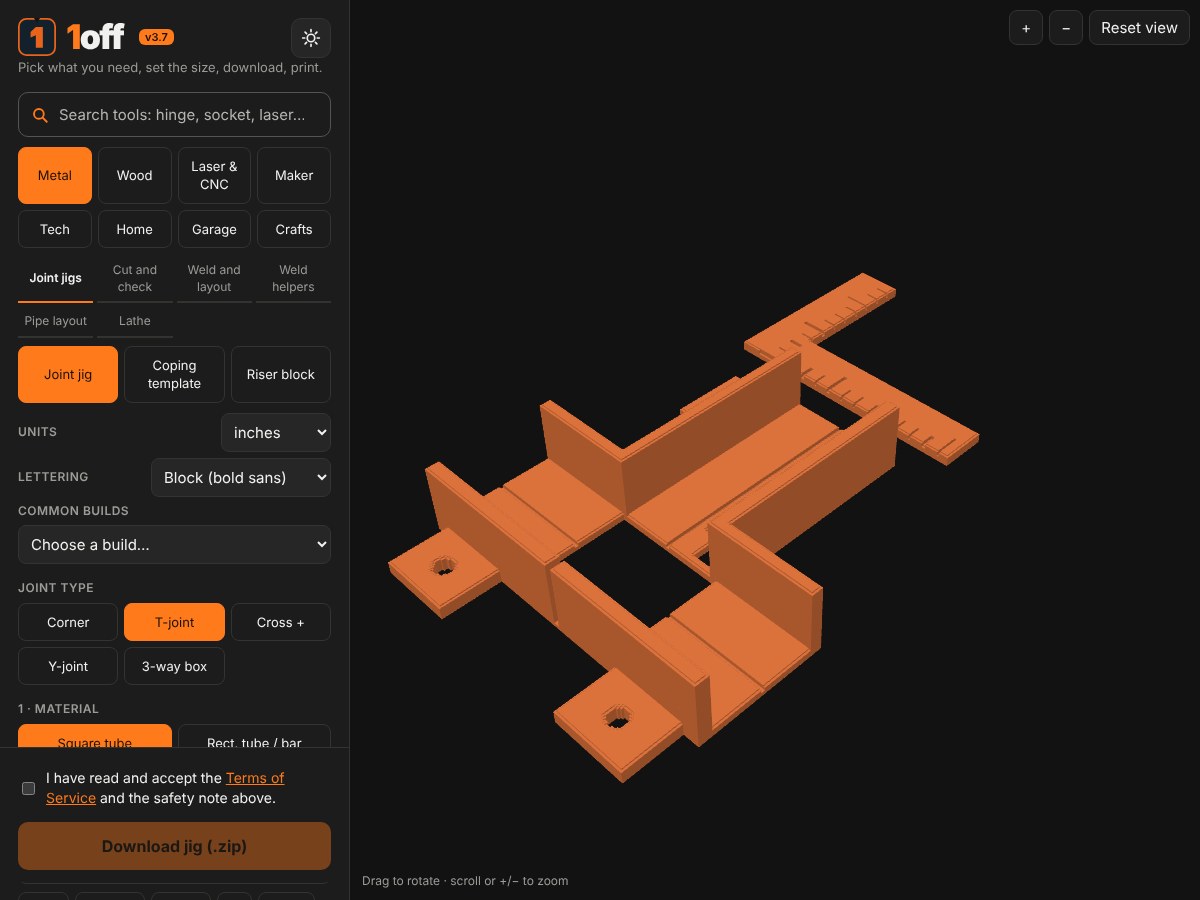
Choose and size
Pick what you need, such as a corner jig for 1.5 in square tube. Type your sizes and set the angle.
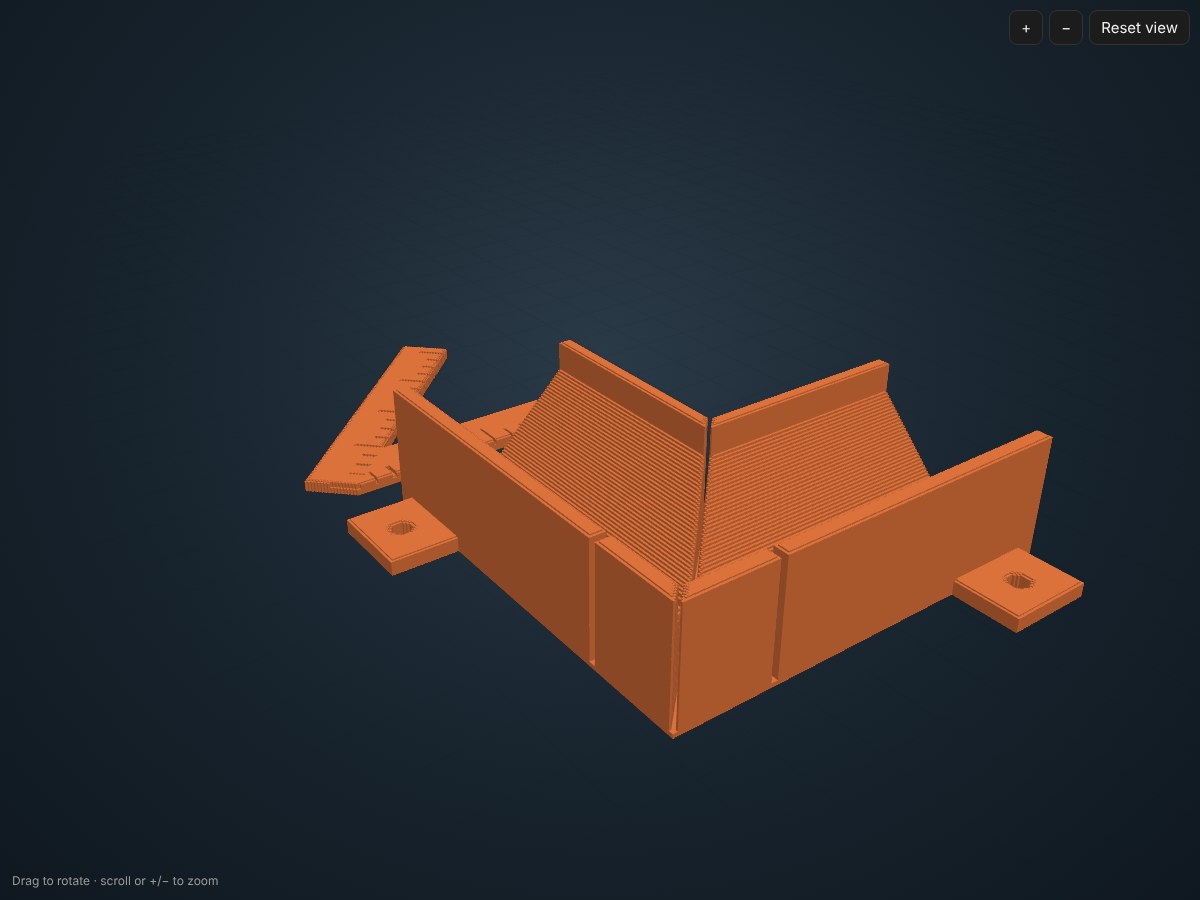
Check the preview
Turn the model around, read the size, and adjust. The info panel gives slicer settings and a rough time and material estimate.
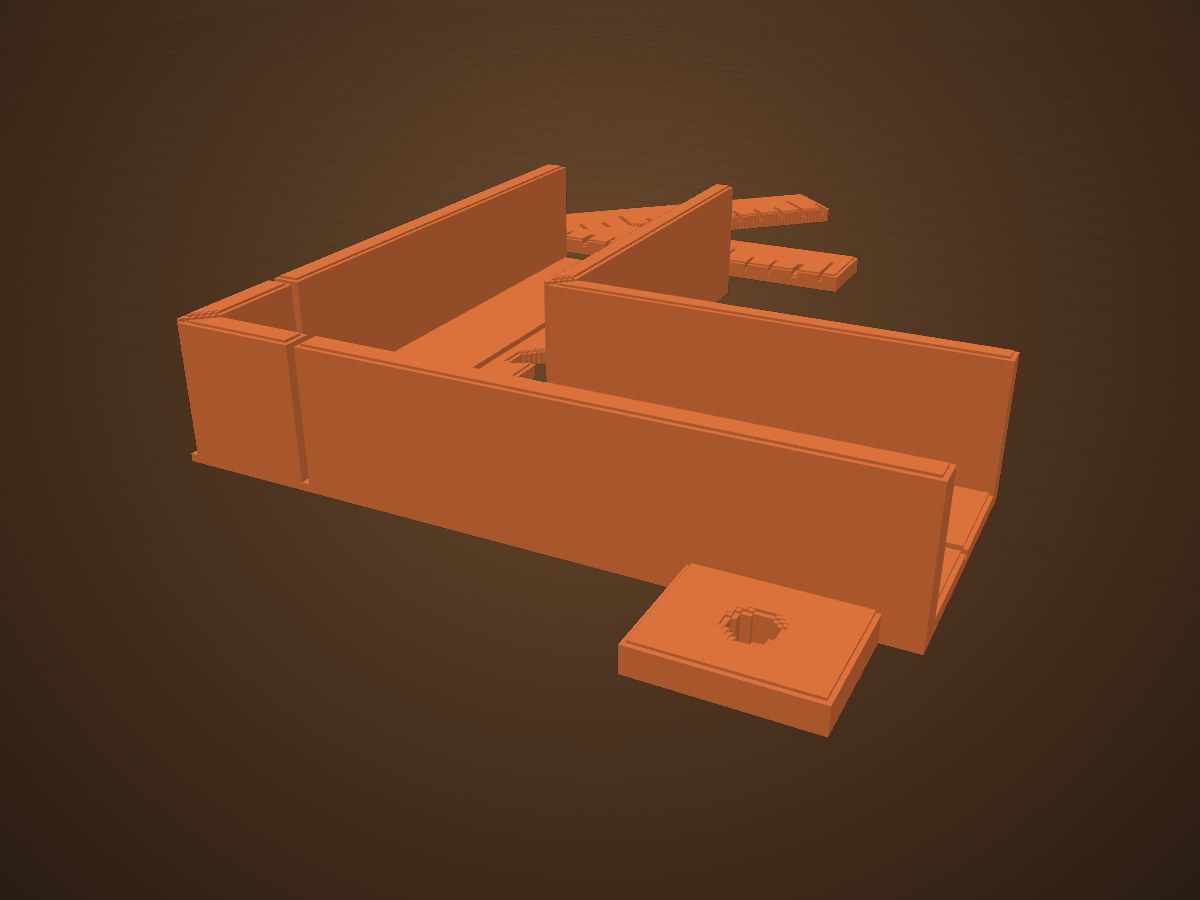
Download and make it
Download a zip with the print file, plus cutting files where they fit. Open it in your slicer or cutting software, fit-test it on your real part, then use it.
What you can make
253 tools in eight sections.
Pick the section closest to what you do, or type what you need in the app's search box. Every tool has its own few settings and a preview.
Alignment jigs for tube and angle iron, fit-up and weld gauges, magnetic squares, table stops, pipe layout and lathe tools.
- Joint jigs: Joint jig, Coping template, Riser block
- Cut and check: Saw stop, Gap spacers, Angle gauge, Caliper
- Weld and layout: Fillet weld gauge, Thread pitch gauge, Center-punch guide, Hinge welding jig, Tab welding jig
- Weld helpers: Magnetic welding square, Welding-table stops
- Pipe layout: Wrap-around band, Quarter-line ring, Lobster-back template
- Lathe: Thread tool gauge, Center-height gauge, Grinding angle template, Tool-post shims, Chuck key holder, Soft jaw pads, Thread dial chart, Morse taper gauge
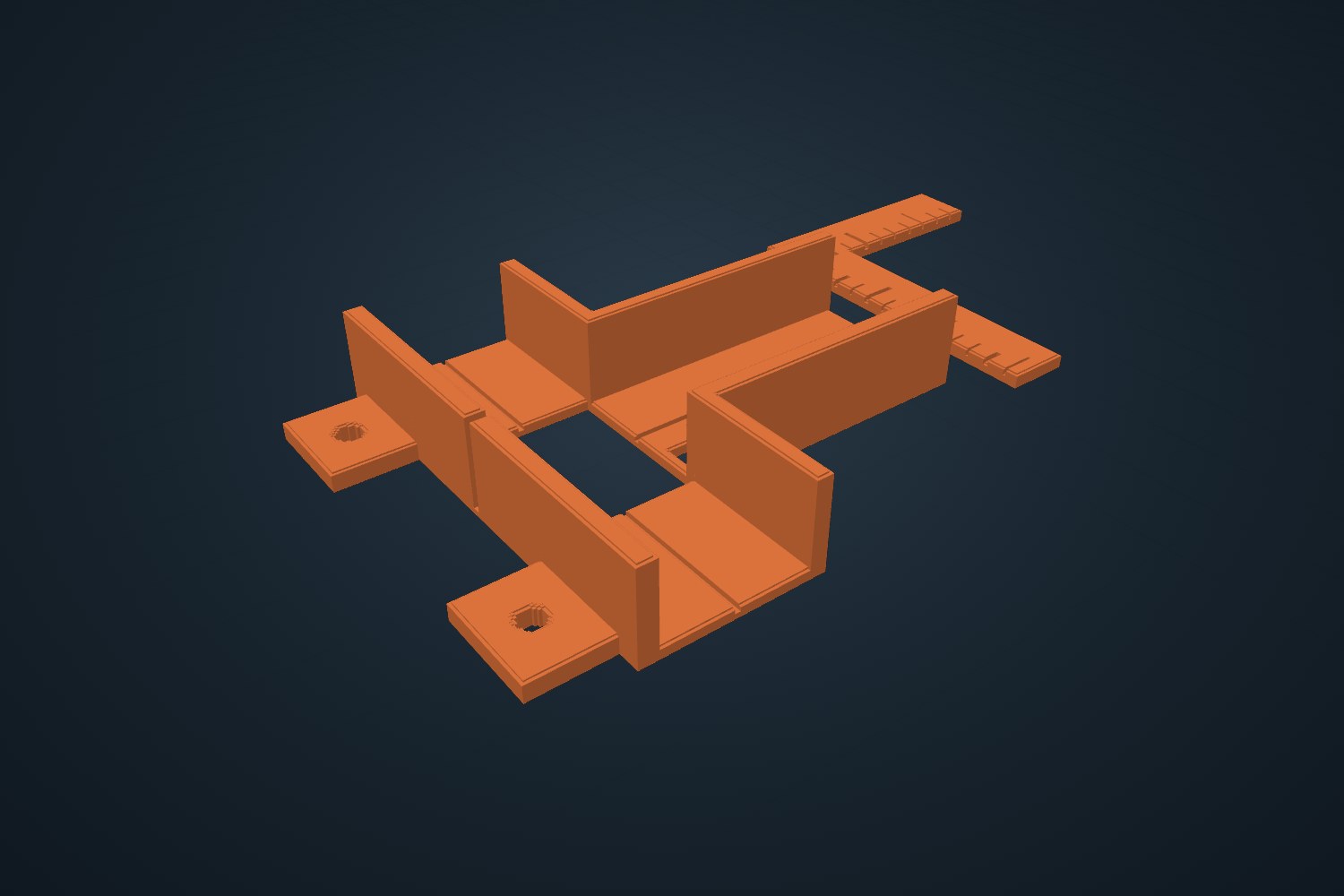
Joinery jigs, drilling guides, router templates, mitre tools, joint parts and turning tools for cabinet and furniture work.
- Joinery: Joint jig, Riser block, Saw stop, Gap spacers, Angle blocks
- Holes: Dowel guide, Shelf-pin jig, Hinge template, Router template
- Measure: Speed square, Marking gauge, Story stick
- Helpers: Bench dogs, Push stick, Sanding block, Hand-screw clamp
- Mitres: Flip stop, Mitre-slot runner, Picture frame kit, Donkey's-ear block, Spline cradle
- Joint parts: Pocket screw jig, Dovetail marker, Biscuits, Loose tenons, Bow-tie keys, Dowel centers
- Turning: Turning profile template, Spindle story stick, Sizing gauge, Chuck tenon gauge, Index wheel, Pen bushings, Gouge sharpening setter, Tool rest collar
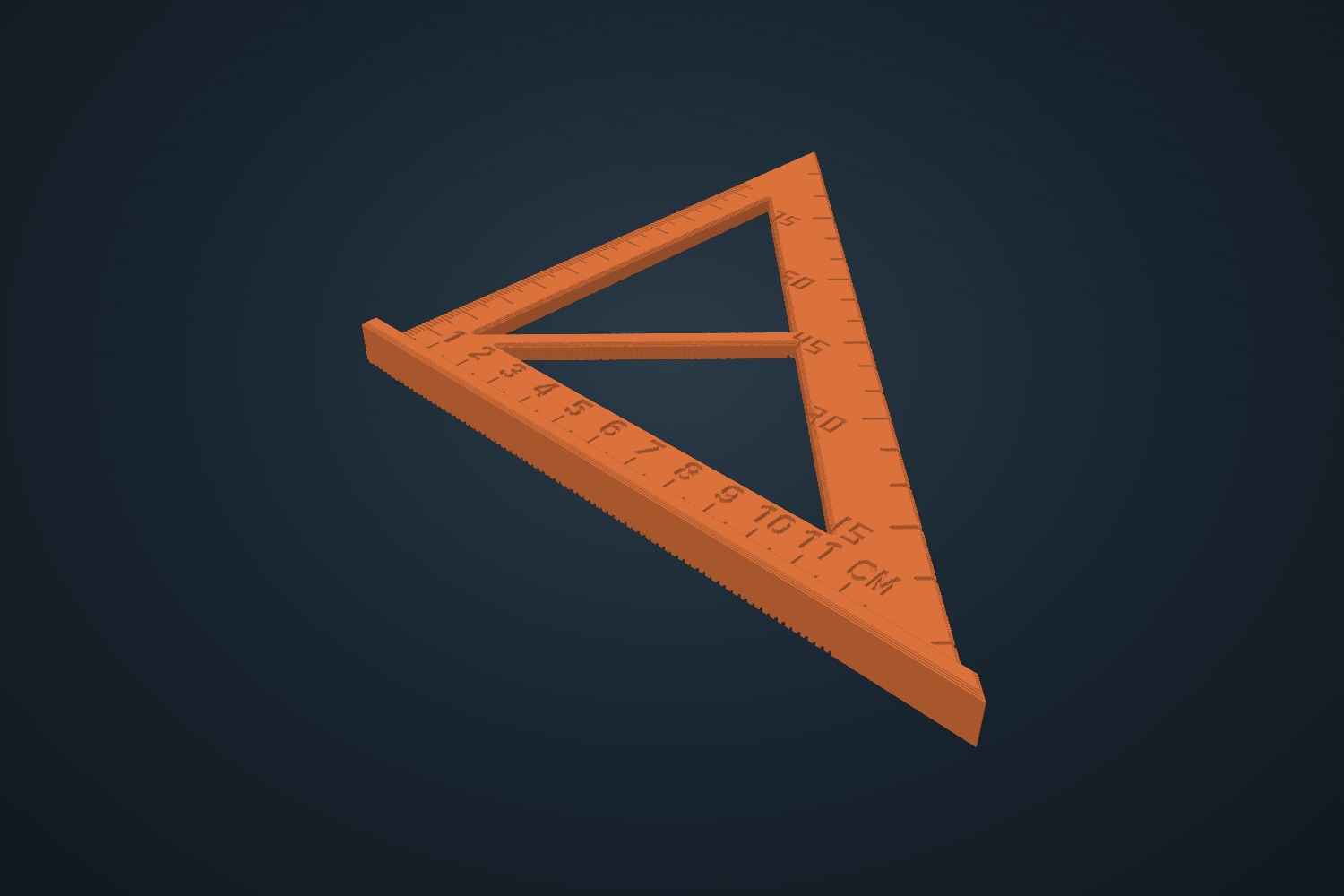
Flat parts for a plasma table, CNC router, laser or vinyl cutter: brackets with bend allowance, signs, base plates, spoilboards, inlays, boxes, puzzles, test cards and decals. Downloads are .dxf and .svg.
- Plasma & metal: Bolt plate, Gusset, Tabs, Flange, Tube cradle, Bent bracket, Sheet metal tray, Post base plate, Sign plate, Gate and hinge parts, Plasma test grid
- Boxes and fixtures: Finger-joint box, Drawer dividers, Fixture plate, Cam clamp
- CNC router: Spoilboard grid, Inlay pair, Curve templates, Flat-pack stand, Hold-down clamps
- Laser: Engraving holder, Kerf test, Flex hinge, Material test card, Focus gauge, Box styles, Jigsaw puzzle, Coasters and keychains
- Vinyl: Vinyl decal, Vinyl stencil

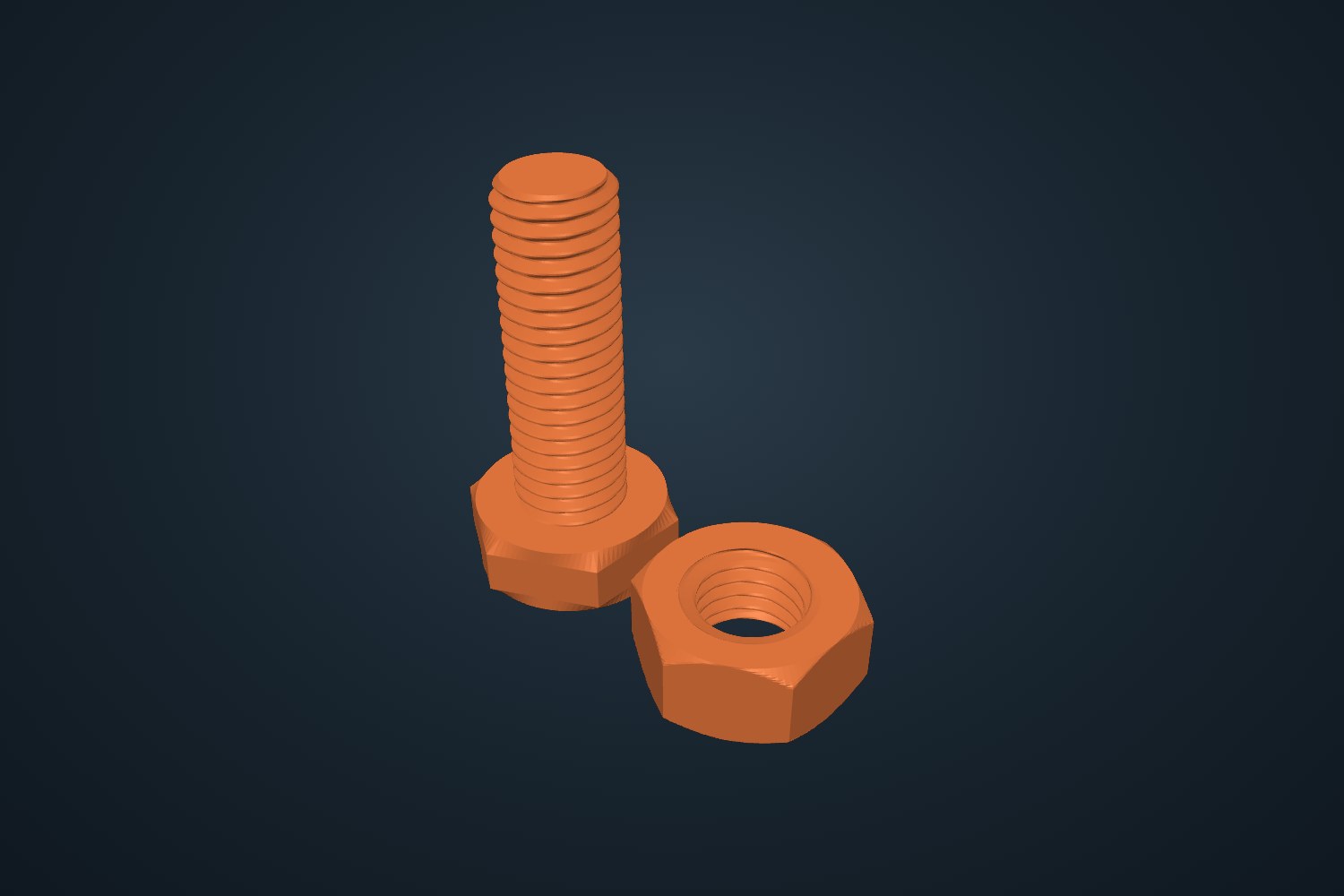
Make your own bolts, nuts, washers, tubes, boxes and clamps, plus organizers, measuring tools and printer test prints.
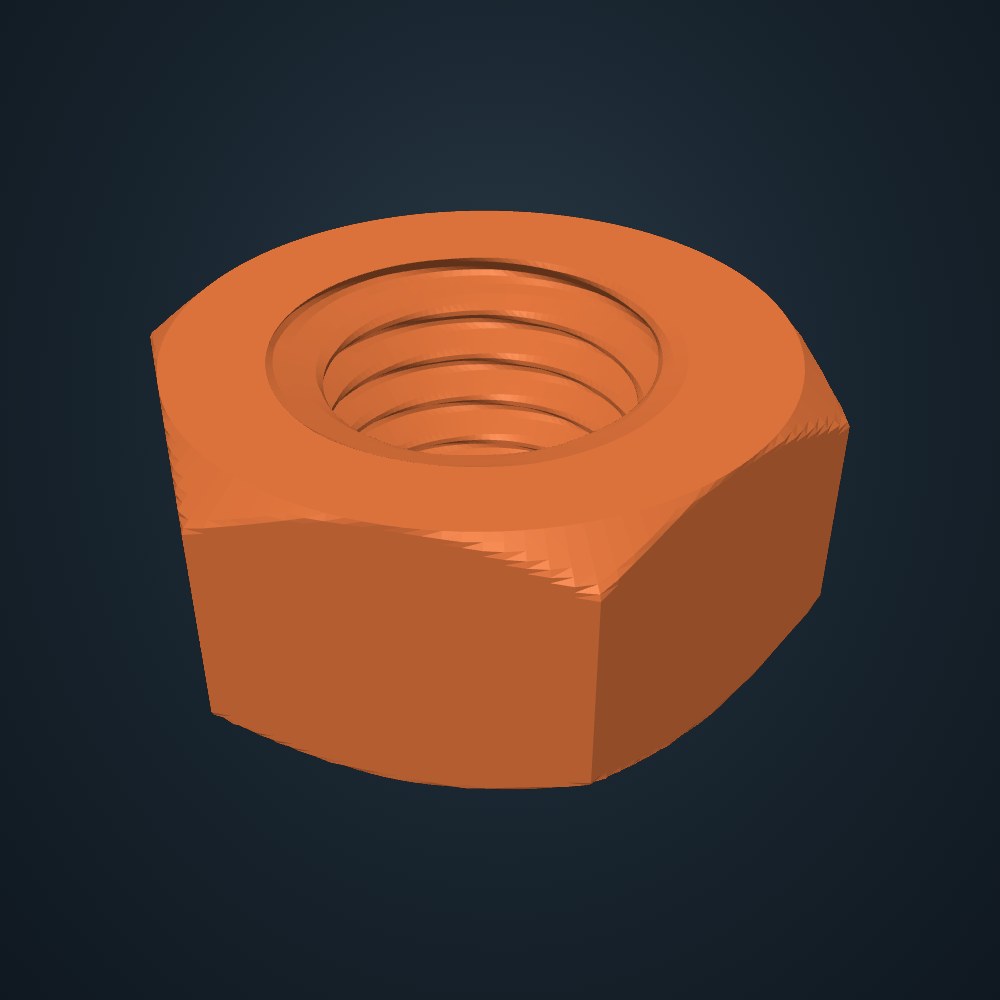
- Make parts: Picture to mold, Bolts, Nuts, Washers, Tube generator, Box generator, C-clamp, Tube clamp, Cable clips
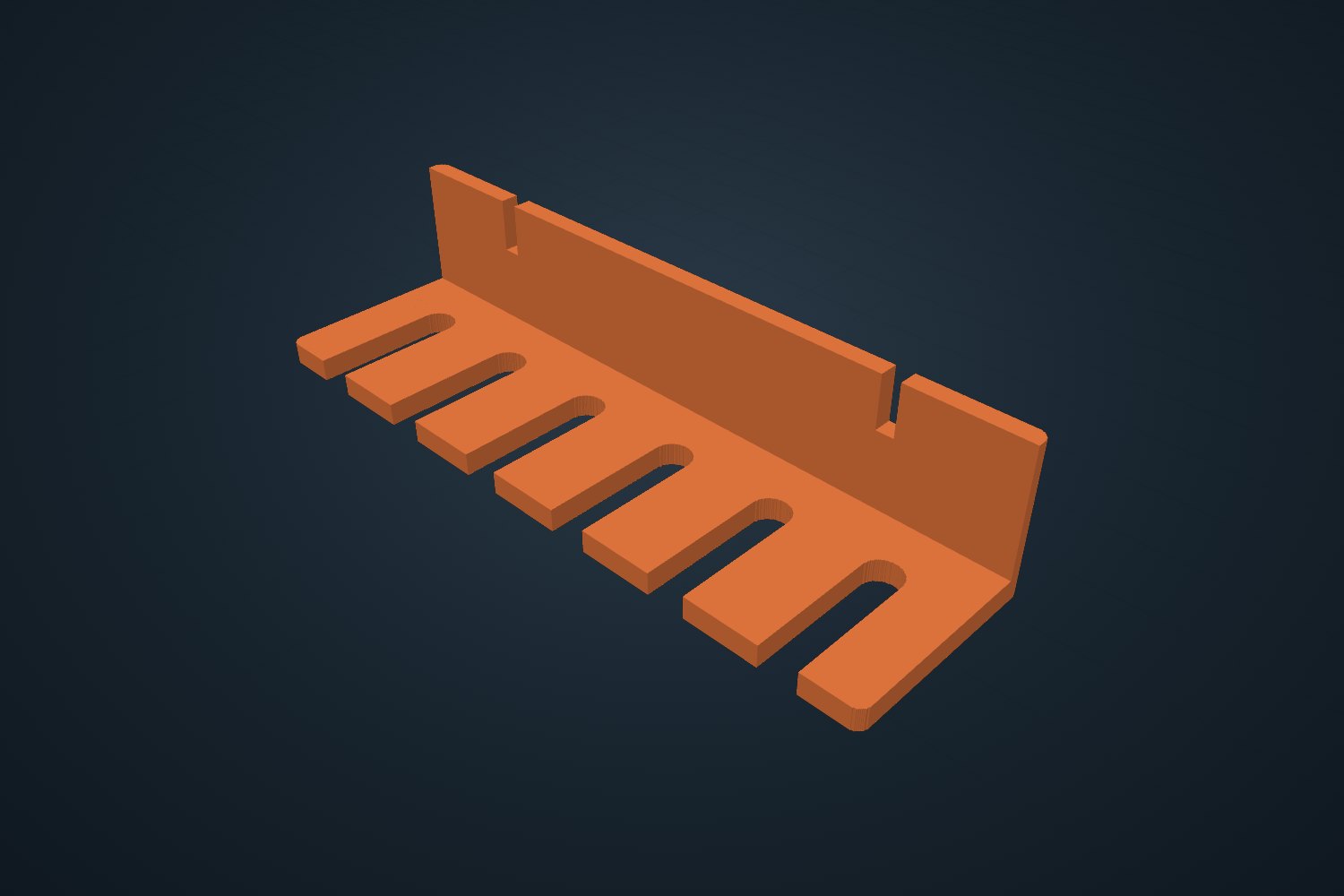
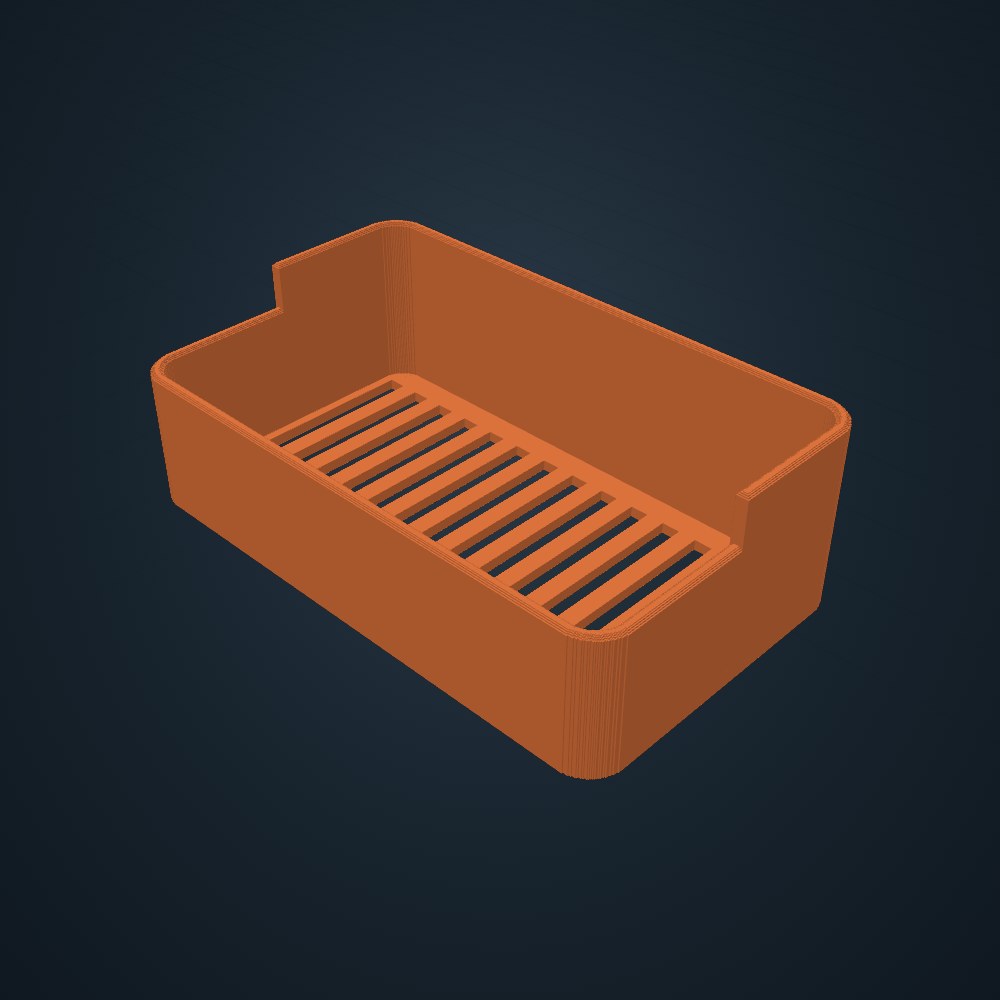
- Helpers: Hex keys, Tool holder, Parts tray, Soft pads, Gridfinity baseplate, Hole template, Spool stand, Depth stop, Name tag
- Measure: Radius gauge, Feeler gauge, Bolt & nut gauge
- Printer tests: Tolerance test, Thickness steps, First-layer test, Overhang test, Stringing test
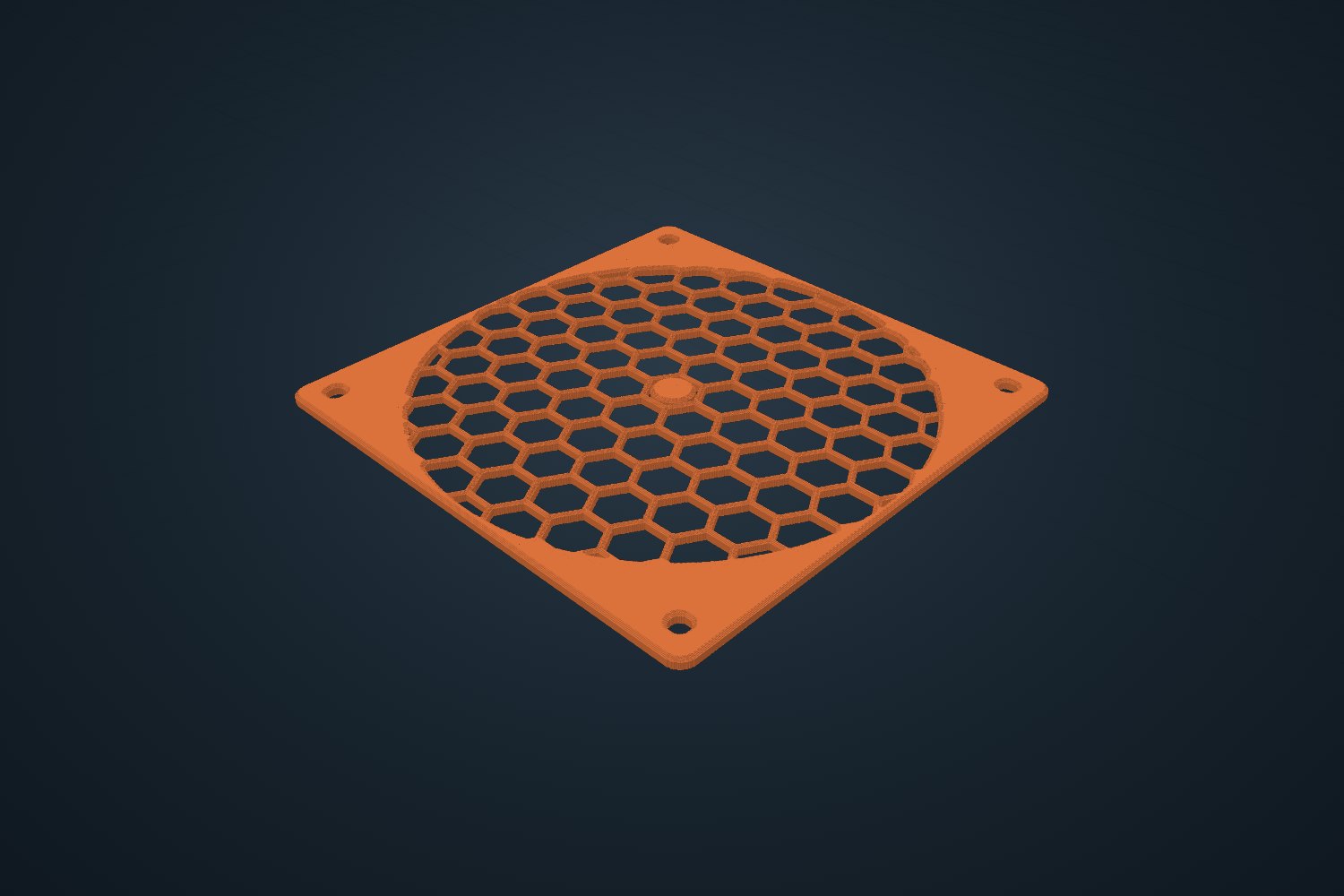
PC building and electronics: cable combs, fan adapters and grills, GPU supports, slot covers, a hard-tube bending mandrel, a helping-hands base, an iron stand and dev-board plates.
- PC building: Cable combs, GPU support, Fan adapter, Fan spacer, Fan grill, SSD cradle, Pump/res mount, Tube bending mandrel, Tube cut collar, Thumbscrew knobs, Screw tray, Stick-on cable clips, Standoff driver, GPU backplate, Shroud cover panel, Case badge, PCIe slot covers, Zip-tie mounts
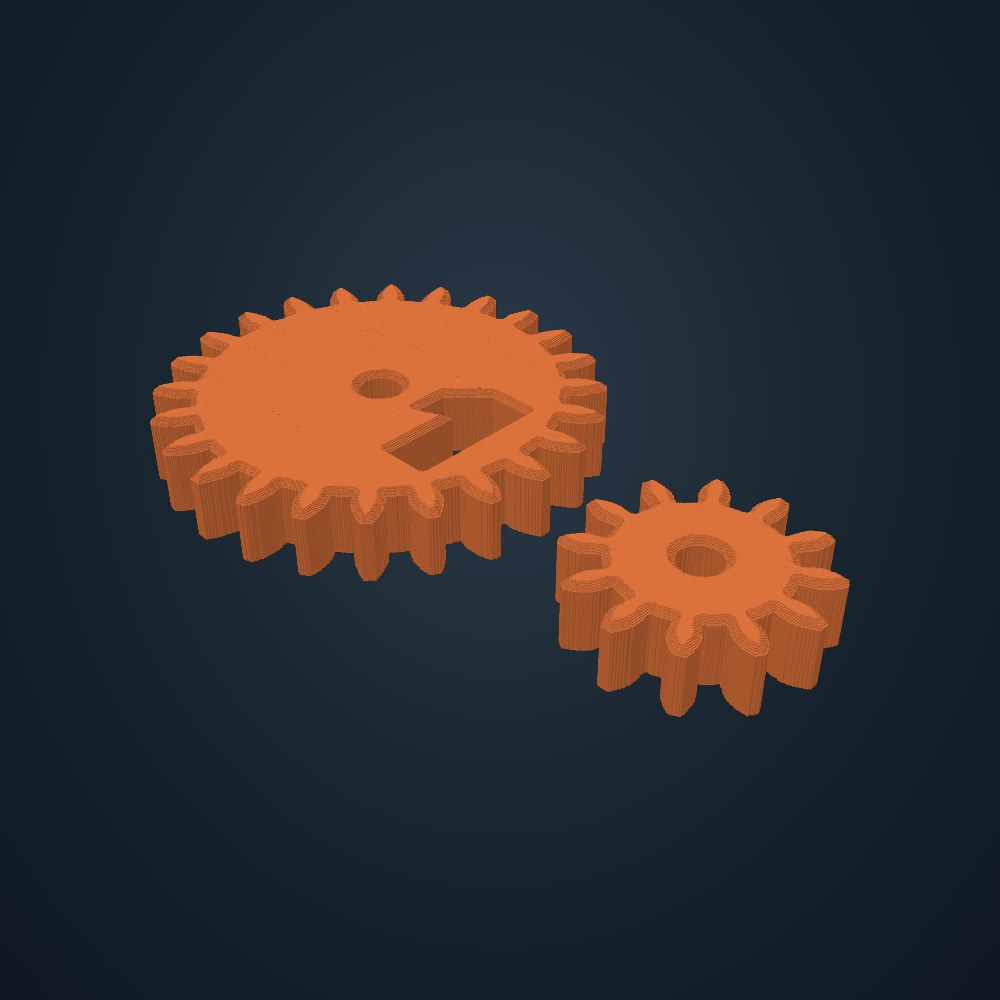
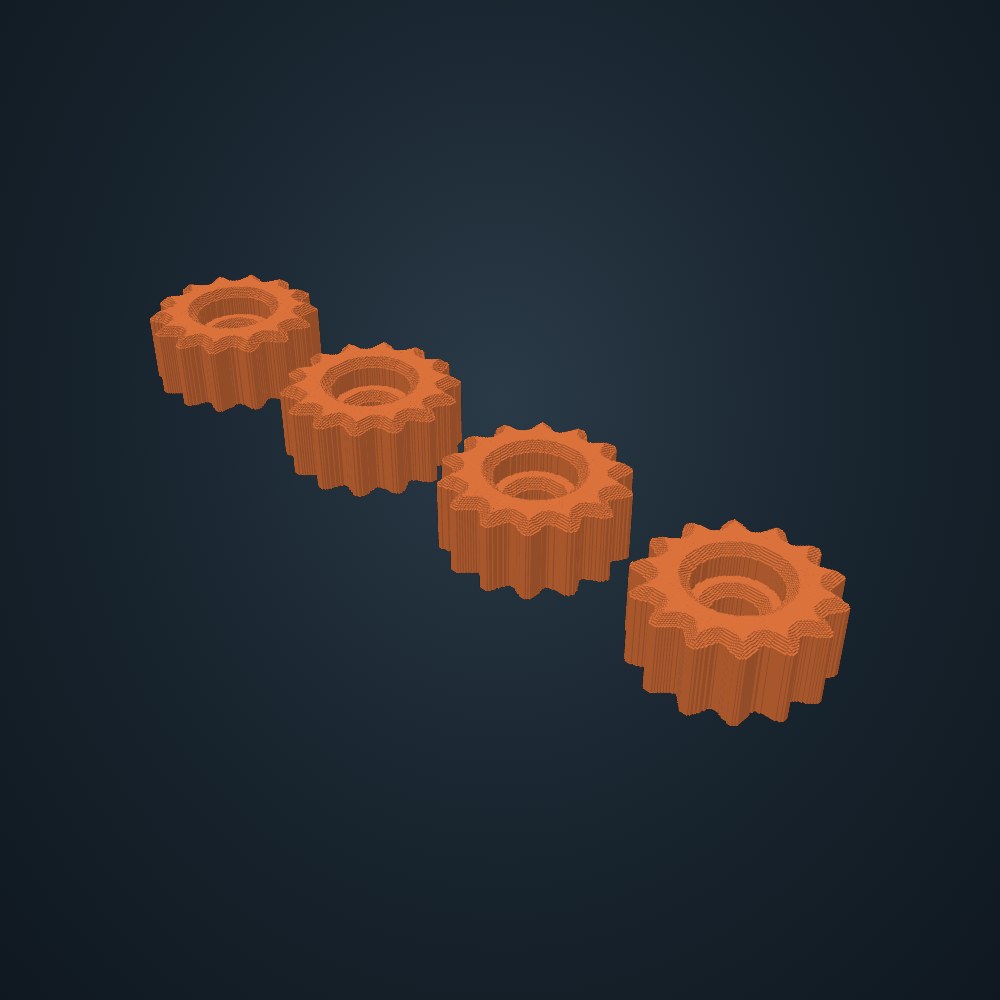
- Electronics: Electronics box, Standoffs, Panel cutouts, Gear generator
- Bench: Helping hands base, PCB holders, Soldering iron stand, Wire spool rack, Bench tool block, Test lead hanger, Fume extractor frame, Wire gauge, Dev board plate, Component bins
Kitchen, bathroom and office organizers, storage, drywall anchors, install jigs and painting helpers. Nothing here is meant for food contact.
- Kitchen: Bag clips, Over-door hooks, Lid and board rack, Spice drawer riser, Cord wraps, Tablet and recipe stand, Sink caddy, Cabinet knobs, Bar pulls
- Bathroom: Toothbrush holder, Stick-on wall shelf, Soap dish, Stick-on hooks
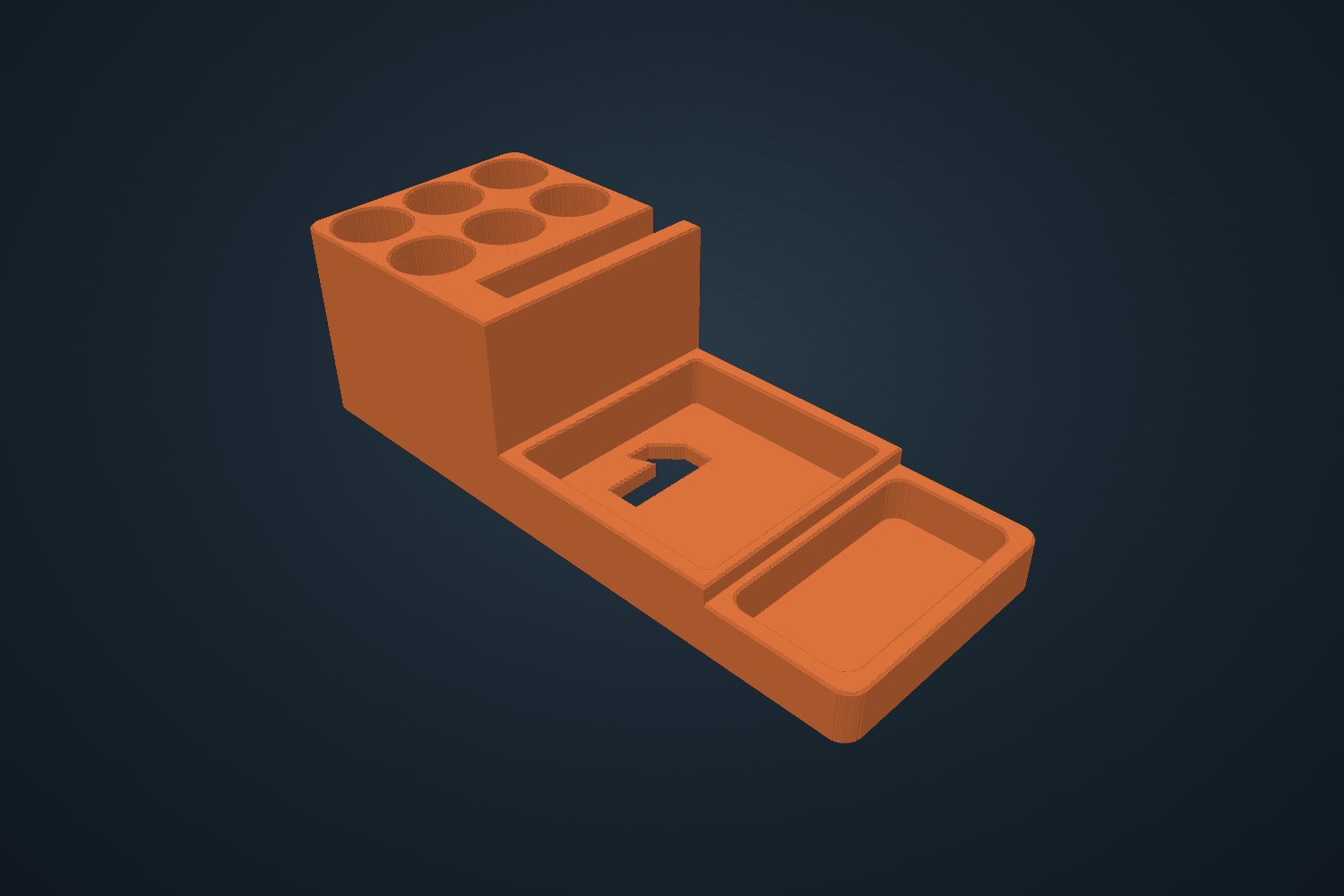
- Office: Desk organizer, Cable drop, Phone stand, Headphone hook, Mail sorter, Drawer divider strips, Card holder
- Storage: Tool outline insert, Pegboard parts, French cleat hook, Screw-on J hook
- Wall anchors: Screw-in drywall anchor, Ribbed plug anchor, Toggle bar anchor, Drywall patch backer, Wall peg
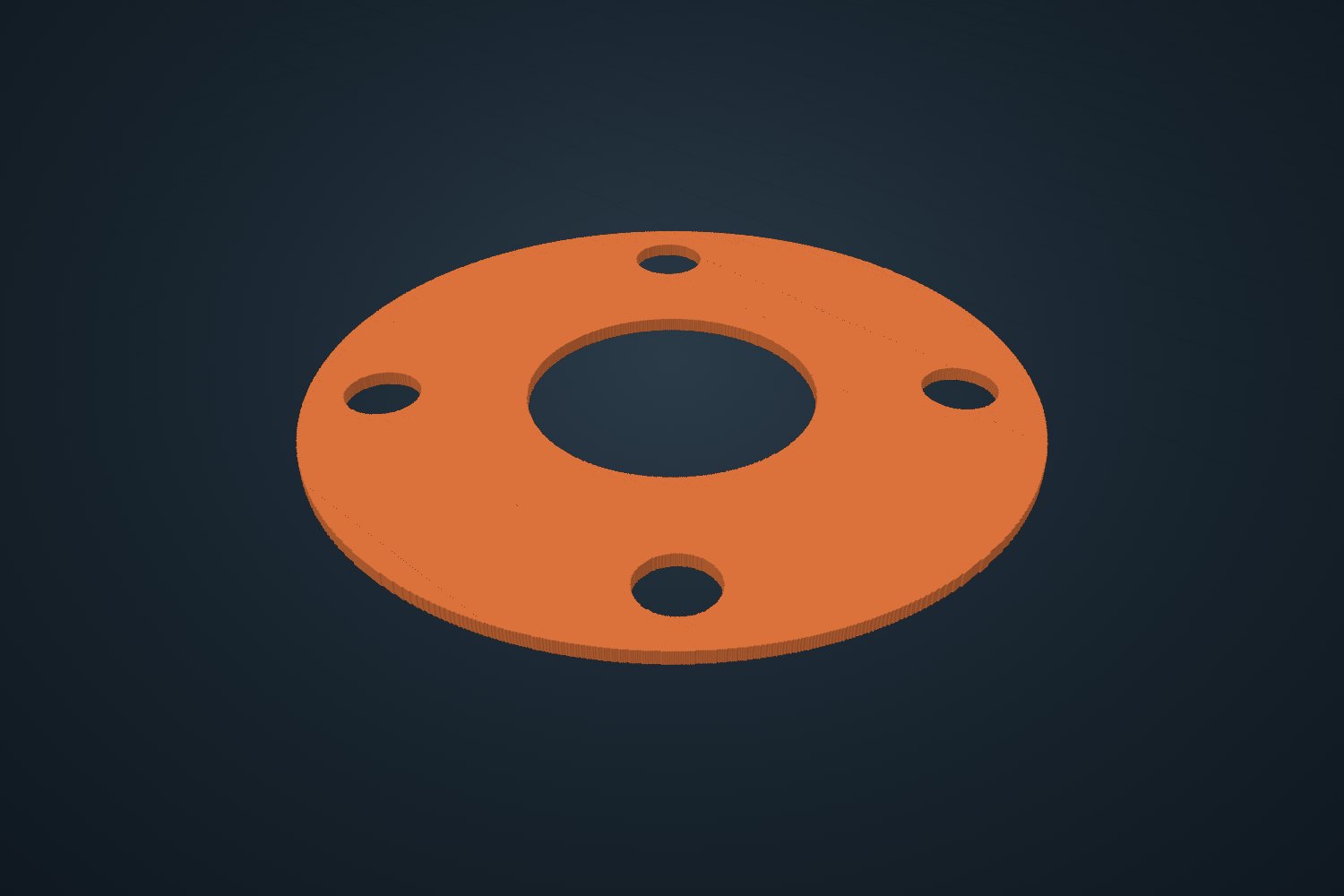
- Install: Cabinet handle jig, Door lock jig, Box cutout, Tile spacers
- Painting: Painter's pyramids, Brush stand, Paint palette, Stencil
Wall racks for screwdrivers, pliers, drills, clamps and cans, cord and handle hangers, dust collection fittings, automotive helpers like trim tools and fuse organizers, sharpening guides, plus garden tools: dibbers, seed boards, plant labels, stakes and raised bed corners.
- Garage: Socket rail, Wrench rack, Hose adapter, Grommets, Push clips, Sharpening guides
- Tool storage: Screwdriver rack, Plier rack, Drill holster, Bar clamp rack, Spray can shelf, Battery and tool shelf, Hex bit strip, Cleat tool holder
- Wall hanging: Peg rack, Cord and hose hanger, Handle clips
- Shop dust: Dust hose reducer, Blast gate
- Automotive: Magnetic parts tray, Trim removal tools, Tread depth gauge, Spark plug gap leaves, Lug nut tray, S-hooks, Blade fuse organizer, Fuse pullers, Visor clip
- Garden: Seed spacing board, Plant label, Trellis clips, Dibber, Seed tray dibble board, Hose and tubing stake, Pot feet, Raised bed corner
Leather and sewing, yarn crafts, trading cards, tabletop games, music and vinyl crafting.
- Leather & sewing: Stitching template, Card sleeve pattern, Belt end template, Leather tool block, Quilting ruler, Seam allowance gauge, Needle block, Bobbin rack
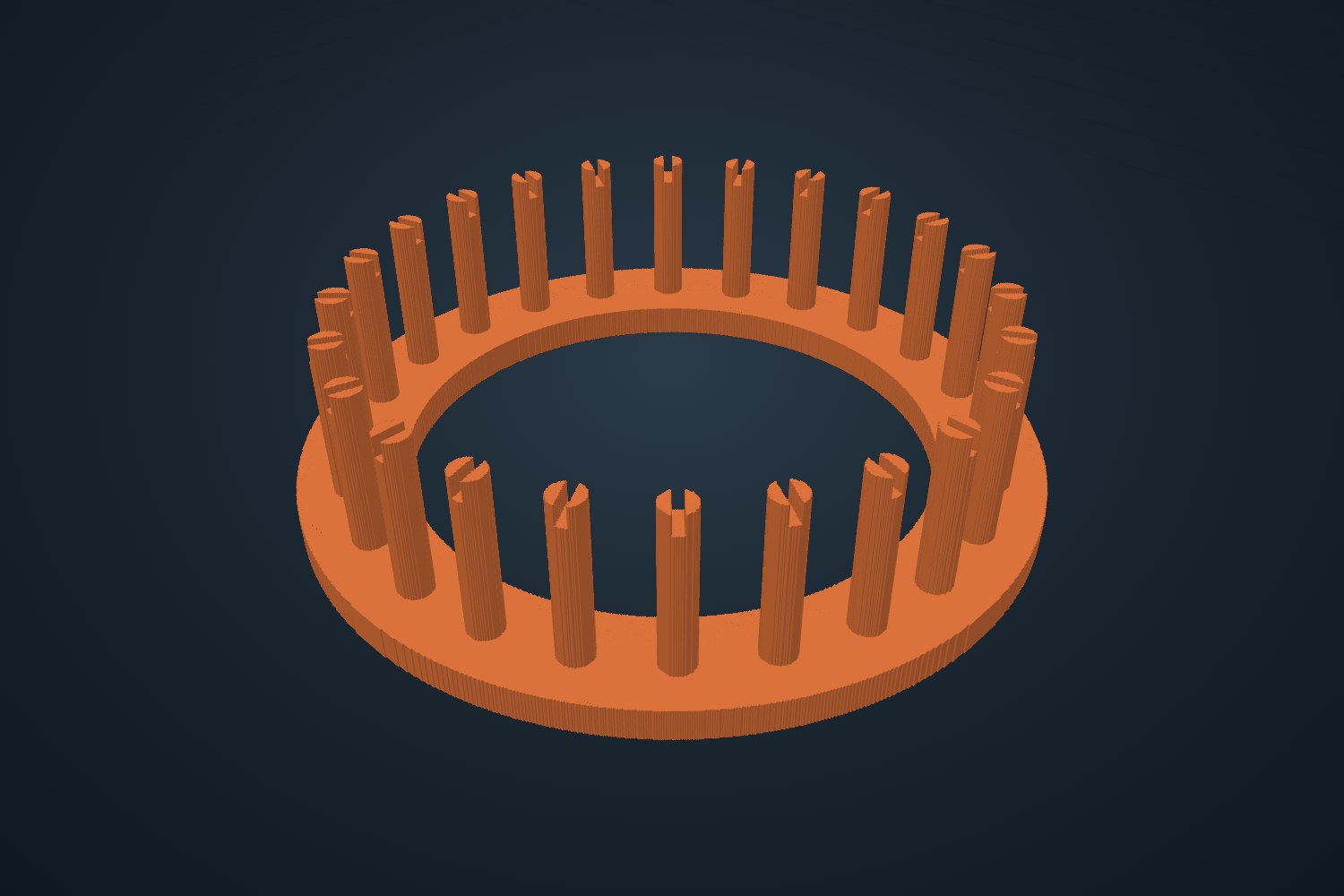
- Yarn: Knitting loom, Frame loom, Crochet hook holder, Hook gauge, Yarn bowl, Stitch markers
- Cards: Deck box, Card stand, Card sorting tray, Price tag stands
- Tabletop: Miniature bases, Range ruler, Paint rack, Card holder, Painting handle
- Music: Guitar picks, Fretboard gauges, String spacing, String winder, Pick holder, Neck rest, Cable label clips, String action gauge
- Vinyl crafting: Roll stand, Core plugs, Squeegee, Centering ruler, T-shirt ruler
The full set
Every tool.
Pick a section, then a name to see its 3D preview and what it does.
Joint jigs
Cut and check
Weld and layout
Weld helpers
Pipe layout
Lathe
Joinery
Holes
Measure
Helpers
Mitres
Joint parts
Turning
Plasma & metal
Boxes and fixtures
CNC router
Laser
Vinyl
Make parts
Helpers
Measure
Printer tests
PC building
Electronics
Bench
Kitchen
Bathroom
Office
Storage
Wall anchors
Install
Painting
Garage
Tool storage
Wall hanging
Shop dust
Automotive
Garden
Leather & sewing
Yarn
Cards
Tabletop
Music
Vinyl crafting
New in versions 3.6 and 3.7
94 new tools, new lettering and a cleaner layout.
Versions 3.6 and 3.7 add whole new sections for PC builders, electronics benches, the kitchen, the bathroom, the office and the garage, a big expansion of the laser and CNC tools, and real 3D parts that print with supports.
- New in 3.7: the Garage, 22 new tools. Wall racks for screwdrivers, pliers, a drill, bar clamps, spray cans and power-tool batteries, a hex bit strip, a plywood French cleat shelf, a peg rack for keys, straps or a helmet, a cord and hose hanger, rake and broom handle clips, a dust hose reducer and a blast gate, plus car tools: a magnetic parts tray, trim removal tools, a tread depth gauge, spark plug gap leaves, a lug nut tray, S-hooks, a fuse organizer, fuse pullers and a visor clip.
- Eight sections instead of six. Metal, Wood, Laser & CNC, Maker, Tech, Home, Garage and Crafts, so every tool is easier to find.
- New lettering. Pick Block, Round, Serif, Script or the classic Pixel style for signs, stencils, decals, coasters, badges, name tags and printed labels. Lowercase letters work too.
- Laser & CNC: 18 new tools. Bent bracket blanks with bend allowance, sheet metal trays, post base plates, stencil sign plates, gate parts, a plasma test grid, a spoilboard grid, inlay pairs, curve templates, a flat-pack stand, hold-down clamps, a laser test card, focus gauges, three new box styles, jigsaw puzzles, coasters and keychains, and vinyl decals and stencils.
- Tech: PC building. Cable combs, GPU support, fan adapters, spacers and grills, an SSD cradle, a pump and reservoir mount, a hard-tube bending mandrel, a tube cut collar, thumbscrew knobs, a screw tray, cable clips, zip-tie mounts, a standoff driver, PCIe slot covers, and cut files for a GPU backplate, shroud panel and case badge.
- Tech: electronics bench. A helping-hands base for Loc-Line arms, PCB holders, an iron stand, a wire spool rack, a tool block, a test lead hanger, a fume extractor frame, a wire gauge, a dev board plate and component bins.
- Home: kitchen, bathroom and office. Bag clips, door hooks, a lid rack, spice risers, cord wraps, a tablet stand, a sink caddy, cabinet knobs and bar pulls, a toothbrush holder, a stick-on shelf, a soap dish, hooks, a desk organizer, a cable drop, a phone stand, a headphone hook, a mail sorter, drawer dividers and a card holder. Nothing is meant for food contact.
- Wall anchors. A screw-in drywall anchor, a ribbed plug, toggle bars, a drywall patch backer, a wall peg and a screw-on J hook, all for light loads.
- Parts that need supports. Knobs, pulls, zip-tie mounts, hooks, the cord hanger and the handle clips are real 3D shapes. The app tells you when to turn on supports in your slicer.
What is inside
Built for the shop floor.
Live 3D preview
Rotate and zoom the part before you make it. Size and a rough material estimate update as you type.
Find any tool
Type a word like hinge, socket, laser or yarn and the app lists every tool that matches.
Imperial and metric
Switch units any time. Type fractions such as 1/8 or 3/16, or pick common bolt sizes from a list.
Files for every machine
Print files for 3D printers, .dxf and .svg for lasers, routers, plasma tables and vinyl cutters, depth maps for CNC carving, and turning profiles for a lathe.
Make your own hardware
Bolts, nuts, washers, tubes, boxes, clamps, gears, standoffs and more, sized to what you need.
Bigger than your printer
Boxes larger than your bed are cut into pieces that lock together with printed bow-tie keys.
Slicer settings included
Each printed part shows suggested layer height, walls and infill, plus a rough time and material estimate.
Project kits
Download related jigs, risers, stops and spacers together in one zip.
Weld-ready
Magnet pockets that touch the table, open weld corners, table stops for 16 and 28 mm fixture holes, and weld prep tips in the info panel.
Five lettering styles
Block, Round, Serif, Script or Pixel lettering for signs, stencils, decals, badges and printed labels.
Print directions included
Every part tells you how to lay it on the bed. Parts with overhangs say when to turn on supports in your slicer.
Works offline
Install it on your phone or computer. A desktop version runs with no internet at all.
New
Cut it instead of printing it.
The Laser & CNC section makes flat parts for a plasma table, CNC router, laser or vinyl cutter: bent bracket blanks with the bend allowance worked out, sign plates, base plates, gussets, flanges, spoilboards, inlays, boxes, puzzles, test cards and decals. Choose your machine and material thickness. Router files get dog-bone corners for your bit.
Flat tools in every other section, such as rulers, gauges and templates, also download as .dxf and .svg, ready for LightBurn, SheetCAM, VCarve or Cricut Design Space. Round parts come with a lathe profile, and most others with a depth map for 3D carving.
Gallery
Printed and in use.
Replace these with your own photos.
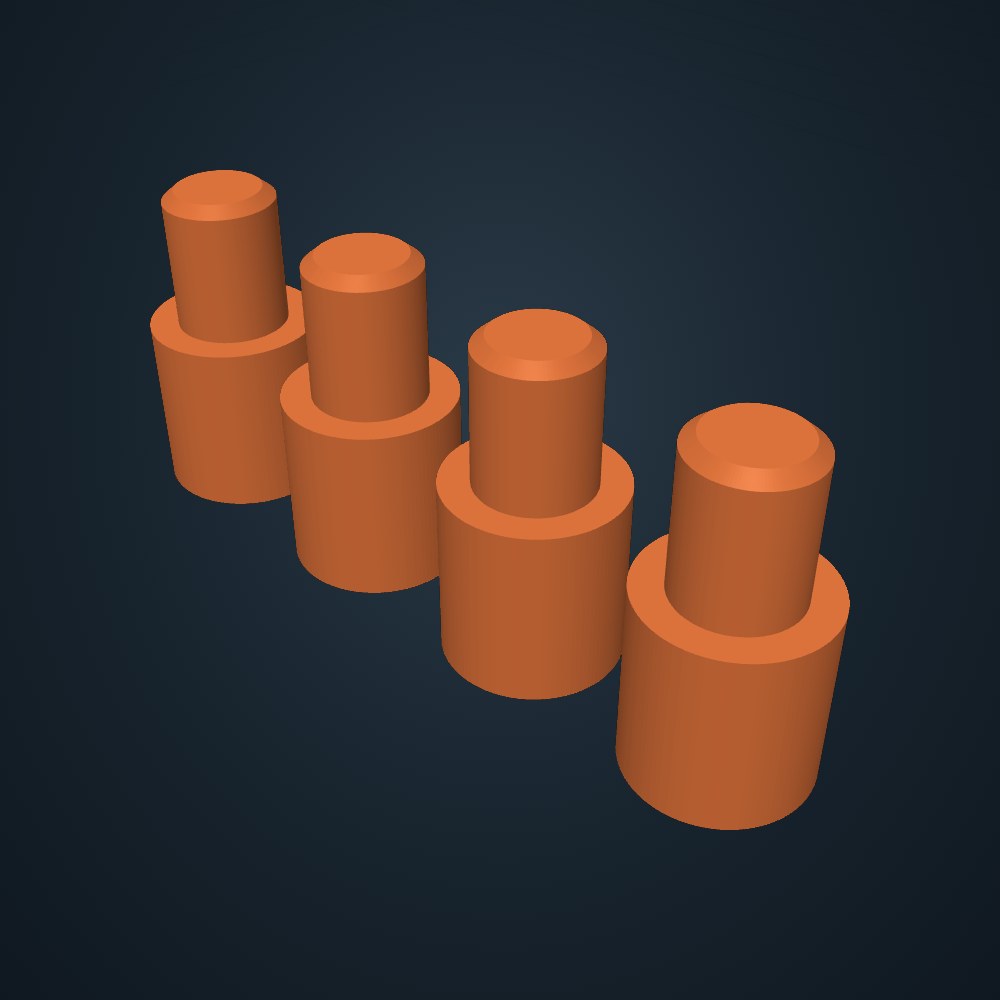
1off is in beta. Sizes and shapes can be wrong, and nothing has been printed and tested for every setting. Always check a printed part against your real material before relying on it.
Read before you print
Plastic has limits.
- PLA softens at about 60 °C (140 °F). Do not use PLA jigs near a weld, a torch, a hot workpiece or inside a hot car. Use PETG, ABS or nylon if heat is possible.
- Never use a printed jig as a safety device. It is not a guard, a fence for powered cutting you cannot control, or a load-bearing part. Never put a printed part under a car, a jack or anything that holds up a vehicle.
- Printed parts are not precision tools. Layer lines, shrinkage and warping change sizes. Test-fit and measure.
- You print it, you are responsible for it. Read the terms before you use the app.
Questions
FAQ
Do I need to know CAD?
No. You choose a part, type sizes and an angle, and the app builds the model. If you can read a tape measure you can use it.
What printer do I need?
Any filament printer with a bed of about 220 mm. The app warns you when a part is bigger than that and lets you shorten it. The box generator cuts big boxes into pieces that fit your bed. It works with the usual slicers because it gives you a standard print file.
Which material should I print in?
PLA is fine for light jobs at room temperature. Use PETG, ABS or nylon for anything that may get warm. Each part shows suggested layer height, walls and infill in the info panel.
Does it work on my phone or offline?
The app runs in a browser on phones, tablets and computers. An installable version can be added to a home screen so it opens like an app.
Can I get several parts at once?
Yes. For joint jigs, riser blocks, saw stops and spacers there is a kit download that bundles related parts in one zip.
Do I need a 3D printer?
No. Every tool can be printed, and many can also be cut. The Laser & CNC section and the flat tools download .dxf and .svg files for lasers, CNC routers, plasma tables and vinyl cutters. Your cutting software turns them into machine moves. 1off does not make G-code.
What does it cost?
Nothing. 1off is free during the beta: every tool, every size and unlimited downloads, with no account and no key.
Do any parts need supports?
Most parts print flat with no supports. A few real 3D shapes, such as cabinet knobs, bar pulls, zip-tie mounts and the screw-on J hook, have overhangs. Those parts say so in the app, so you can turn on supports in your slicer (tree or organic supports are easiest to remove).
Will my parts fit exactly?
They should fit closely, but printers differ. Every jig has a clearance setting you can adjust, and we suggest printing a small test piece first.
Can I sell what I print with it?
The terms explain what you can do with the files and the parts. Read them before selling anything.